> For the complete documentation index, see [llms.txt](https://docs.coinfactory.app/llms.txt). Markdown versions of documentation pages are available by appending `.md` to page URLs; this page is available as [Markdown](https://docs.coinfactory.app/tools/token-profile-page.md).
# Token Profile Page
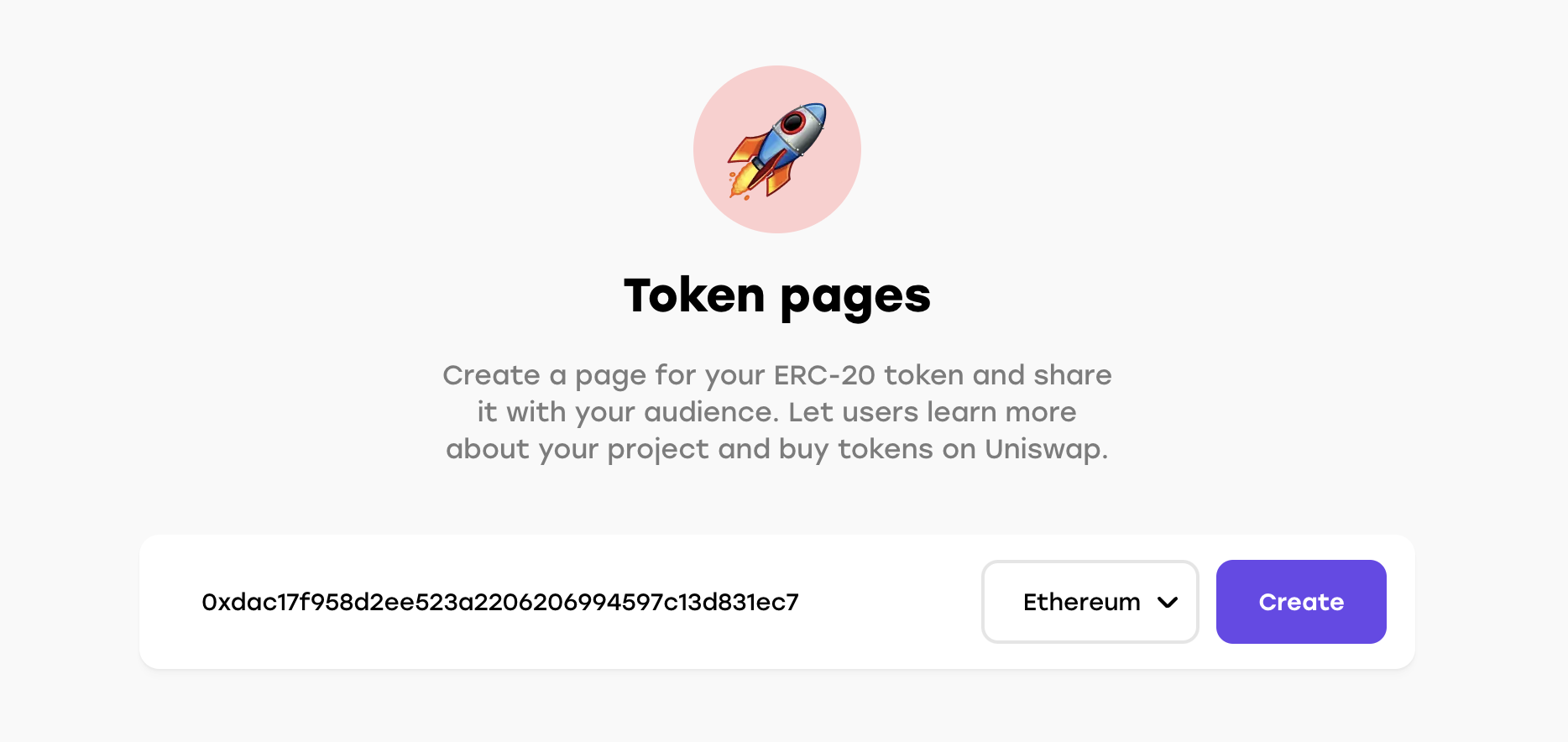
Create a page for your ERC20 token and share it with your community. Let users learn more about your project and trade tokens on Uniswap or Pancake
### Get started
**Step 1.** Go to the [tokens search page ](https://coinfactory.app/tokens/search)
**Step 2.** Enter an address of your token and select the network where your token is published. It can be token created on CoinFactory or any external ERC-20 tokens.
**Step 3.** You will be redirected on the page of your token.
To update information about your token you must verify your ownership of the contract by signing request with deployer wallet address.
**Congratulations!** Now yo can share your token page with your community on social networks.